For VRM and MMD avatars in Cycles

Cycles toon rendering, without rebuilding every material.

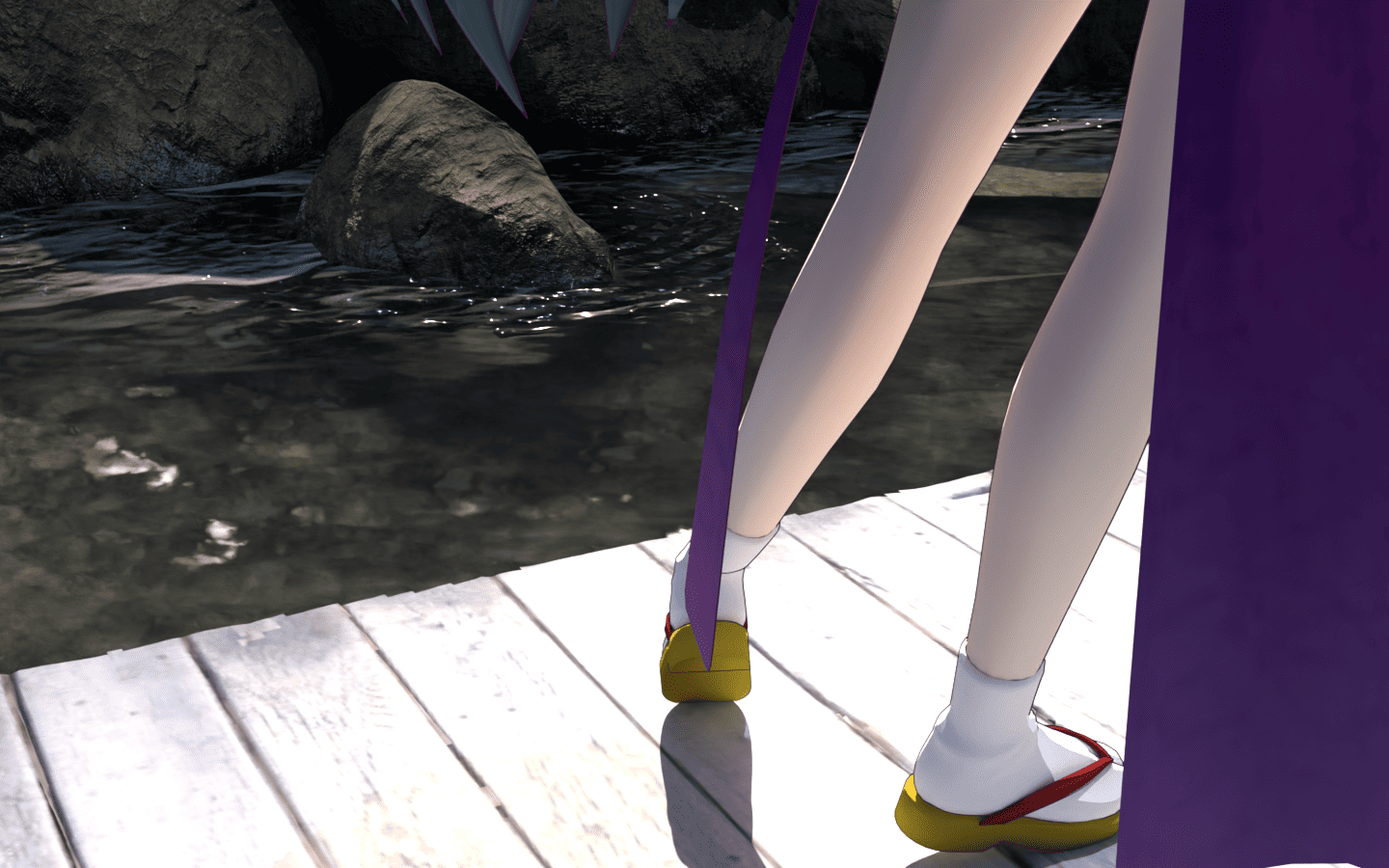
Water reflections, dappled sunlight, fisheye lenses. Bring your VRM and MMD avatars into the light and shadow of Cycles. Press a button to convert their materials to a toon look and add outlines. The finishing touches are yours.

Repository URL https://utagestudio.github.io/CyclesTooner/index.json
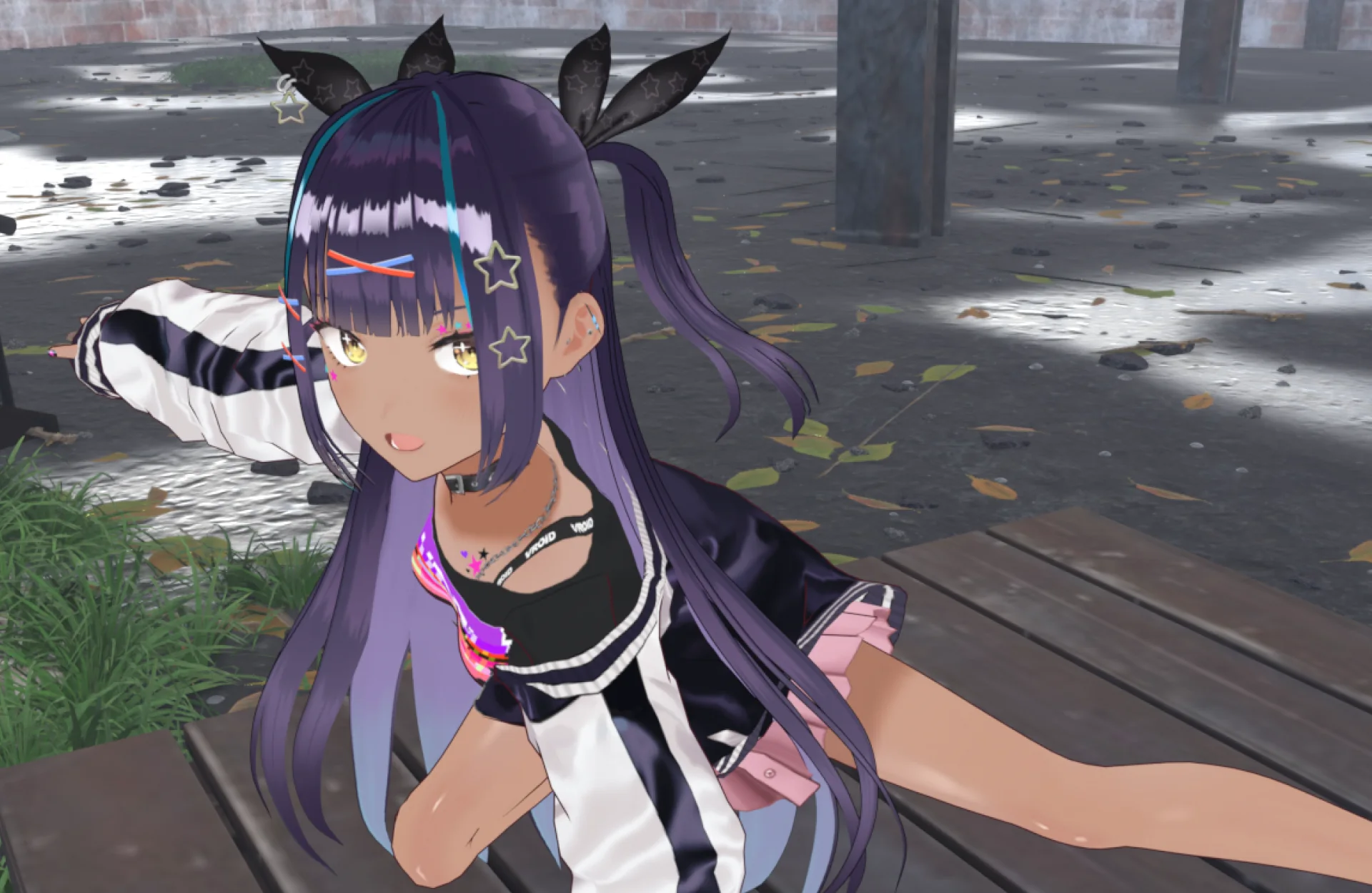
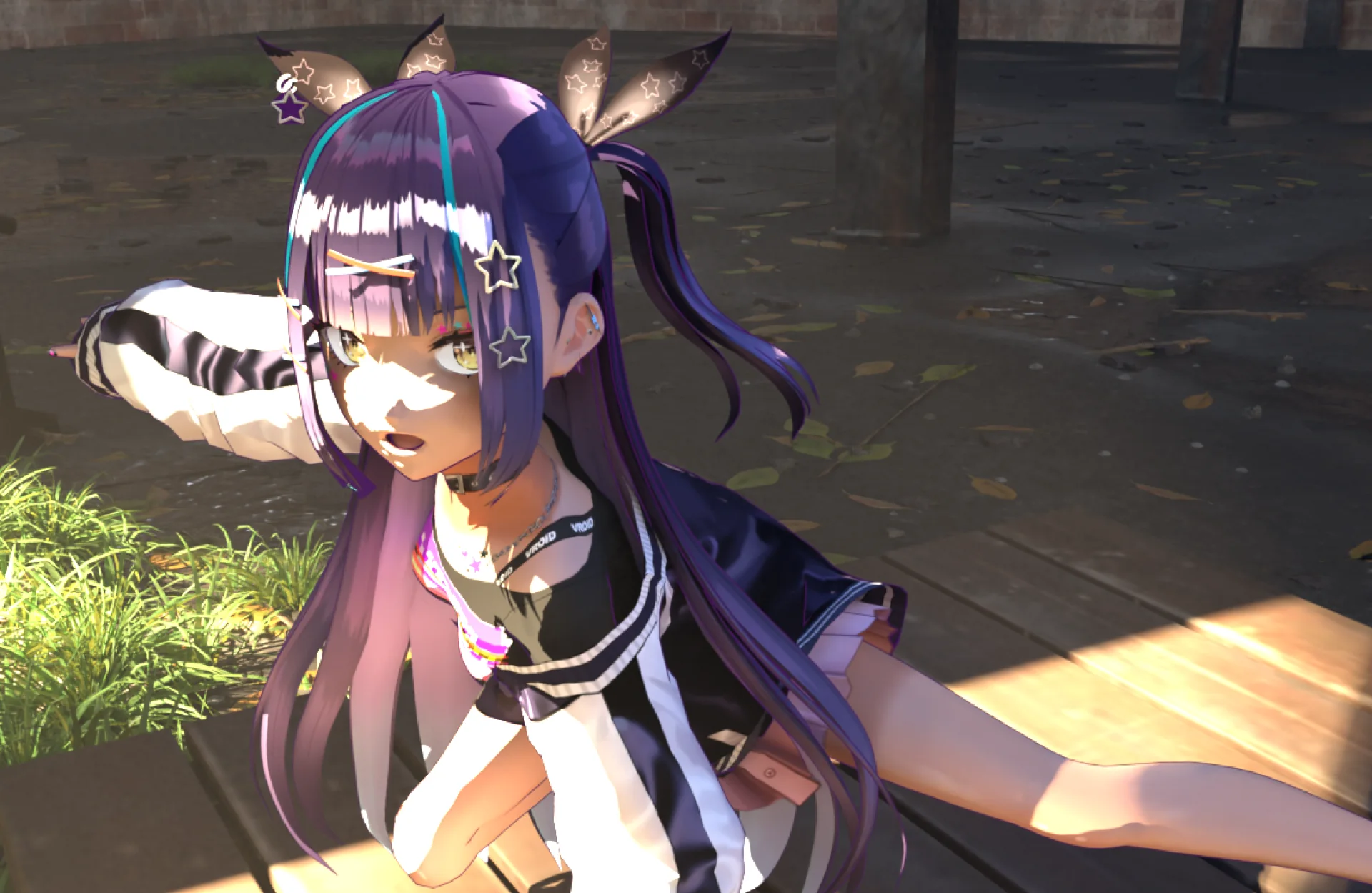
An avatar rendered in EEVEE. The character keeps its MToon look, but the background has no sunlight The same avatar converted with CyclesTooner and rendered in Cycles, with dappled sunlight falling on the face and body EEVEE · MToon Cycles · CyclesTooner
Drag to compare EEVEE with Cycles (converted with CyclesTooner). Both renders include some manual adjustments. Model: AvatarSample_B (VRoid)
Toon BSDFCycles-ready material conversion
VRM / MMDConverts MToon, MMDShaderDev, and more
Geometry NodesInverted-hull outline generation
Blender ExtensionsInstall and update from repository

What's new

Update history

v1.28.3Contact button removed
  • Removes the Contact button from the bottom of the panel, as requested in the Blender Extensions review. The add-on no longer opens any web page.
  • The contact form and GitHub Issues are still available from the Contact section of this page and the README.
v1.28.2Consistent English panel labels
  • Panel buttons and fields now stay in English in every language, matching the documentation. With Blender set to Japanese, a few labels such as Convert, Revert, and Opacity were shown in Japanese while the rest stayed in English.
  • Tooltips and operator messages still follow Blender's language setting.
v1.28.1Reliable script reloading
  • The add-on now loads and reloads its scripts the way Blender recommends for extensions, so Reload Scripts picks up every part of the add-on.
  • Running the add-on's script directly from the Text Editor is no longer supported. Install it as an extension instead.
v1.28.0Per-material No Shadow and Emission toggles
  • Adds a No Shadow toggle to the Material fields that stops a converted material, such as an eye, from casting shadows in Cycles.
  • Adds an Emission toggle with an Emission Factor slider that mixes in the material's own color without shading, so that parts such as eye whites keep their color in shade.
  • Both toggles stay in place through Apply Opacity and a repeated Convert, and Revert removes them.
  • Every converted material now has the CyclesTooner_AlphaOpacity node, so an alpha source can be connected after conversion. Materials converted earlier gain it on their next Convert or Apply Opacity.
  • Fixes parts painted to a CT_Outline weight of 0 rendering with a faceted pattern or disappearing on GPU. Those faces now get no outline; run Refresh Outline to update existing outlines.
  • Adds a Contact button at the bottom of the panel that opens the contact form in your language with the add-on version filled in.
v1.27.0English and Japanese messages
  • Operator messages, warnings, button tooltips, and property descriptions now follow Blender's language setting and appear in English or Japanese.
  • Tooltips now explain each button instead of showing internal notes, and the Add Outline tooltip states that it is intended for converted models.
  • Turning off report or tooltip translation in Preferences shows the English text.
v1.26.3Cleaner package and clearer documentation
  • The extension package no longer includes development-only files, so installs contain only the add-on, its README, and the license.
  • The extension listing now describes CyclesTooner as a tool for rendering EEVEE toon avatars in Cycles, adds the Render tag, and links to this documentation site.
  • The add-on metadata now credits utagestudio as its author.
  • The README and this site were reorganized around a quick start, a supported-shader table, cautions before converting, and troubleshooting, and now document Unitypackage Importer Unlit conversion.

Designed for character and cel-look workflows

Move from imported materials to Cycles toon shading faster.

MToon, VRToon, and UnityToon build their shading with the EEVEE-only Shader to RGB node, so they lose their toon look when rendered in Cycles. MMD (MMDShaderDev) materials are also designed for EEVEE display. CyclesTooner replaces these materials with Blender's built-in Toon BSDF, carrying over textures, colors, normals, and transparency where possible.

Convert materials to Toon BSDF

Replace Principled BSDF with Toon BSDF while preserving supported color, UV, normal, alpha, and opacity paths. The converted graph is arranged automatically, with meaningful disconnected nodes retained safely. VRToon conversion prepares its outline weights and Thickness for a later Add Outline operation. UnityToon v1 materials created by Unitypackage Importer carry their base color, normal, and alpha paths into the Cycles-ready setup.

  • Principled BSDF to Toon BSDF
  • MMDShaderDev / mmd_shader conversion
  • VRM MToon conversion
  • VRToon conversion with outline weight preparation
  • Unitypackage Importer UnityToon v1 and Unlit conversion

Generate clean Cycles outlines

Build inverted-hull outline objects from the selected model root using Geometry Nodes, excluding meshes disabled for rendering and keeping internal source collections out of the active View Layer. Converted VRToon models reuse the weights and Thickness prepared during conversion.

  • Object-driven outline targets
  • Automatic CT_Outline weights for per-vertex thickness
  • Reuse prepared VRToon weights and Thickness
  • Refresh and remove outline tools

Tune opacity and smoothness in bulk

Apply opacity and Toon Smooth values across selected objects and child hierarchies, with per-material controls when the active material was converted by CyclesTooner. Per-material toggles finish parts such as eyes and eye whites.

  • Batch opacity slider
  • Batch Smooth slider
  • Per-material adjustment
  • No Shadow toggle for materials that should not cast shadows
  • Emission toggle for an unlit look
Quick start

Convert a model in four steps.

Open the CyclesTooner panel in the Tool tab of the 3D Viewport sidebar (press N).

  1. Save your .blend file before converting.
  2. Select the model's root, such as its Armature or Empty, and click Convert. The selected object and all of its descendants are converted.
  3. Select any object in the model and click Add Outline.
  4. Render with Cycles, then adjust Smooth, Opacity, and the outline color and thickness as needed.

Before you convert

  • Convert removes the original shader. For MToon, MMDShaderDev, VRToon, UnityToon, and Unlit materials, Revert creates a simplified Principled BSDF instead of the original setup.
  • Shade colors, MatCap, rim lighting, specular, and emission are not reproduced by Toon BSDF.
  • Convert removes VRToon outlines but saves their thickness, so Add Outline can rebuild them.
  • Add Outline moves every object in the model hierarchy into a new <root>_Collection.
  • Convert switches the render engine from EEVEE to Cycles.
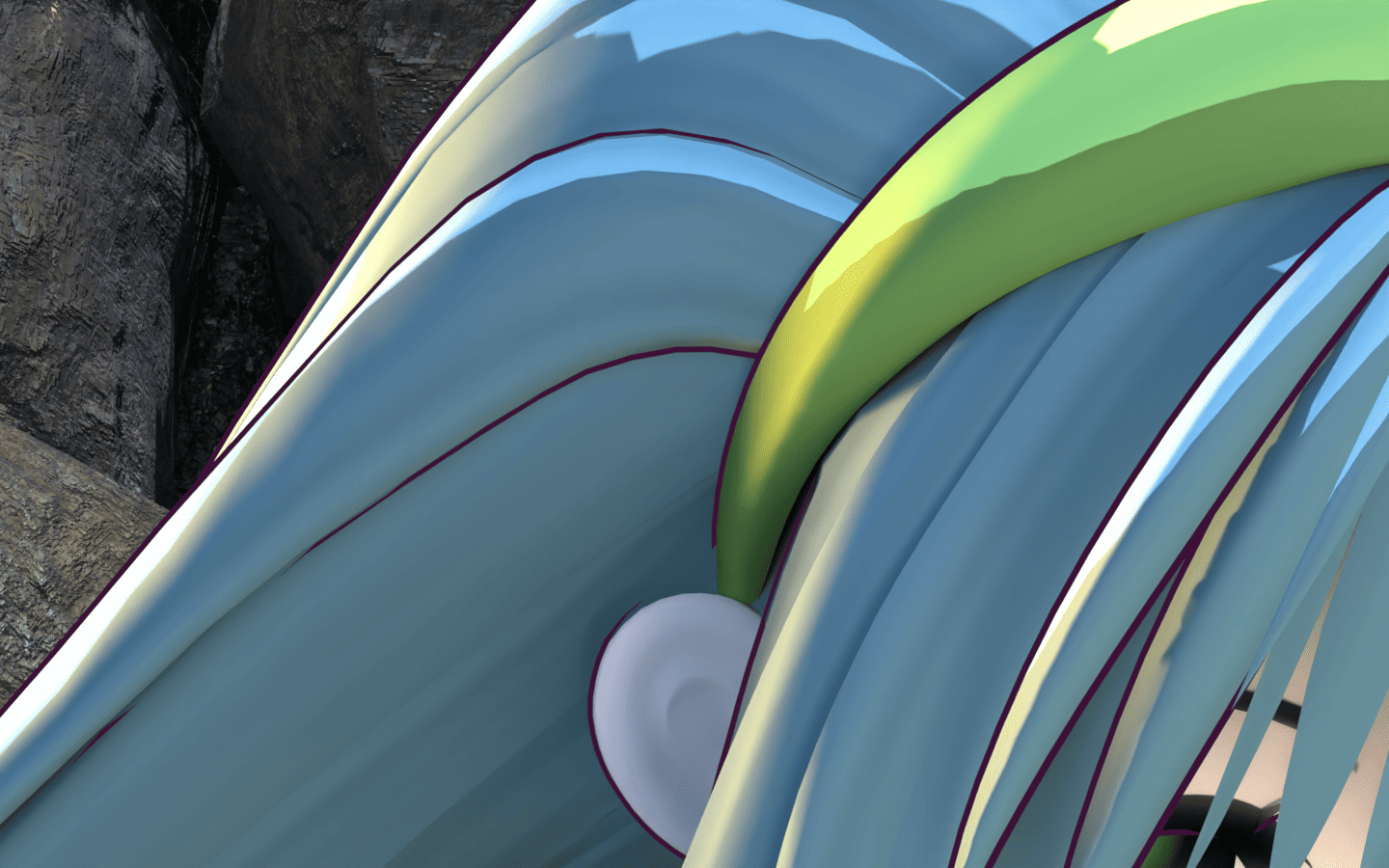
CyclesTooner generated outline preview in Blender
Preview unavailable Outline Generator

Outlines made for Cycles

Use an inverted-hull mesh setup that renders cleanly with the Cycles renderer.

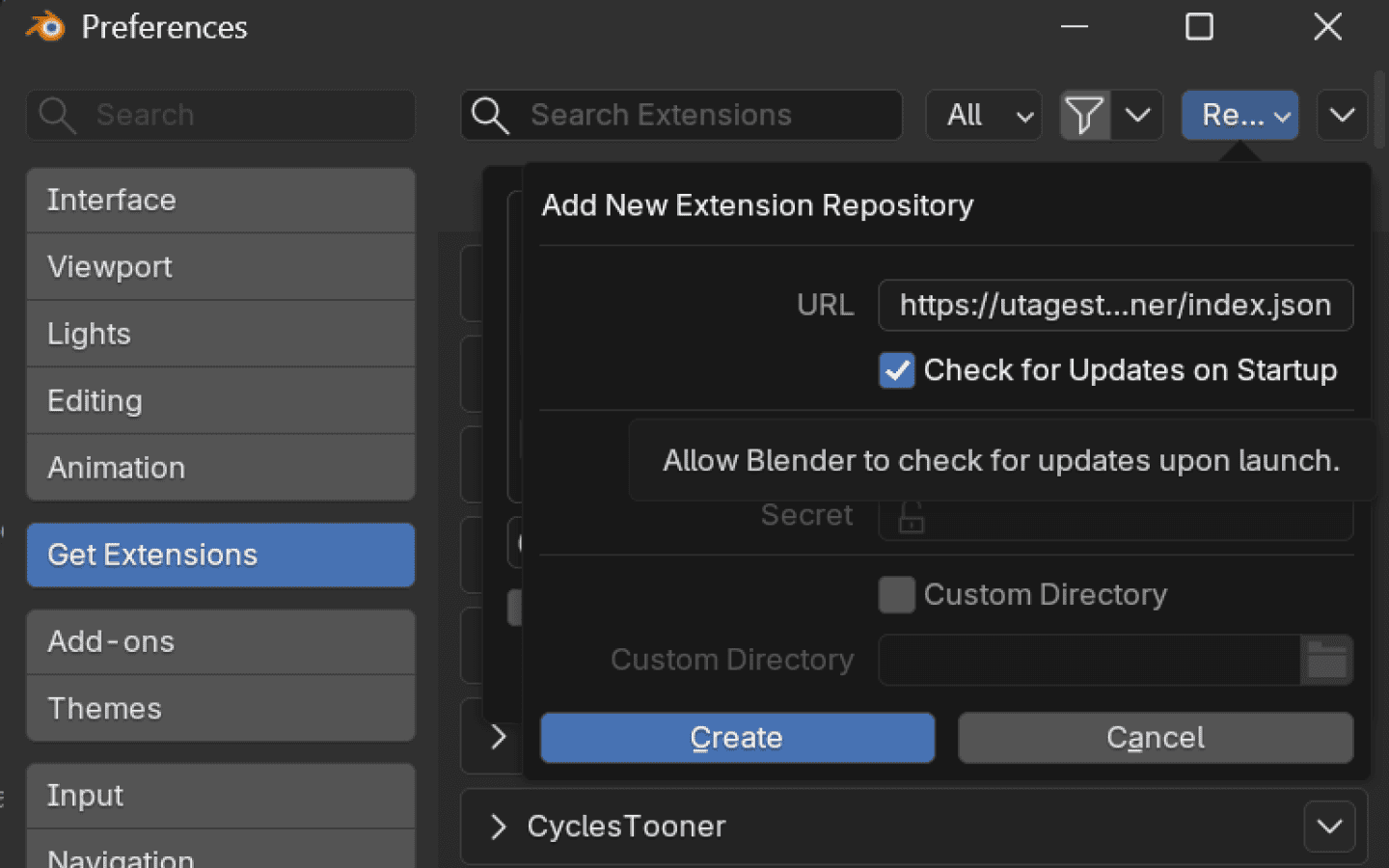
CyclesTooner listed in Blender Get Extensions
Preview unavailable Blender Extensions Install

Install from a remote repository

Add the repository URL once, then let Blender detect updates from Get Extensions.

Cycles-native looks

Bring toon characters into Cycles-rich scenes.

Place VRM and MMD avatars with a toon look into Cycles lighting, lenses, reflections, and atmosphere.

Toon character beside reflective water rendered in Cycles
Preview unavailable Water Surface

Water Surface

Blend reflections, transparency, and surface shimmer with a clean toon character style.

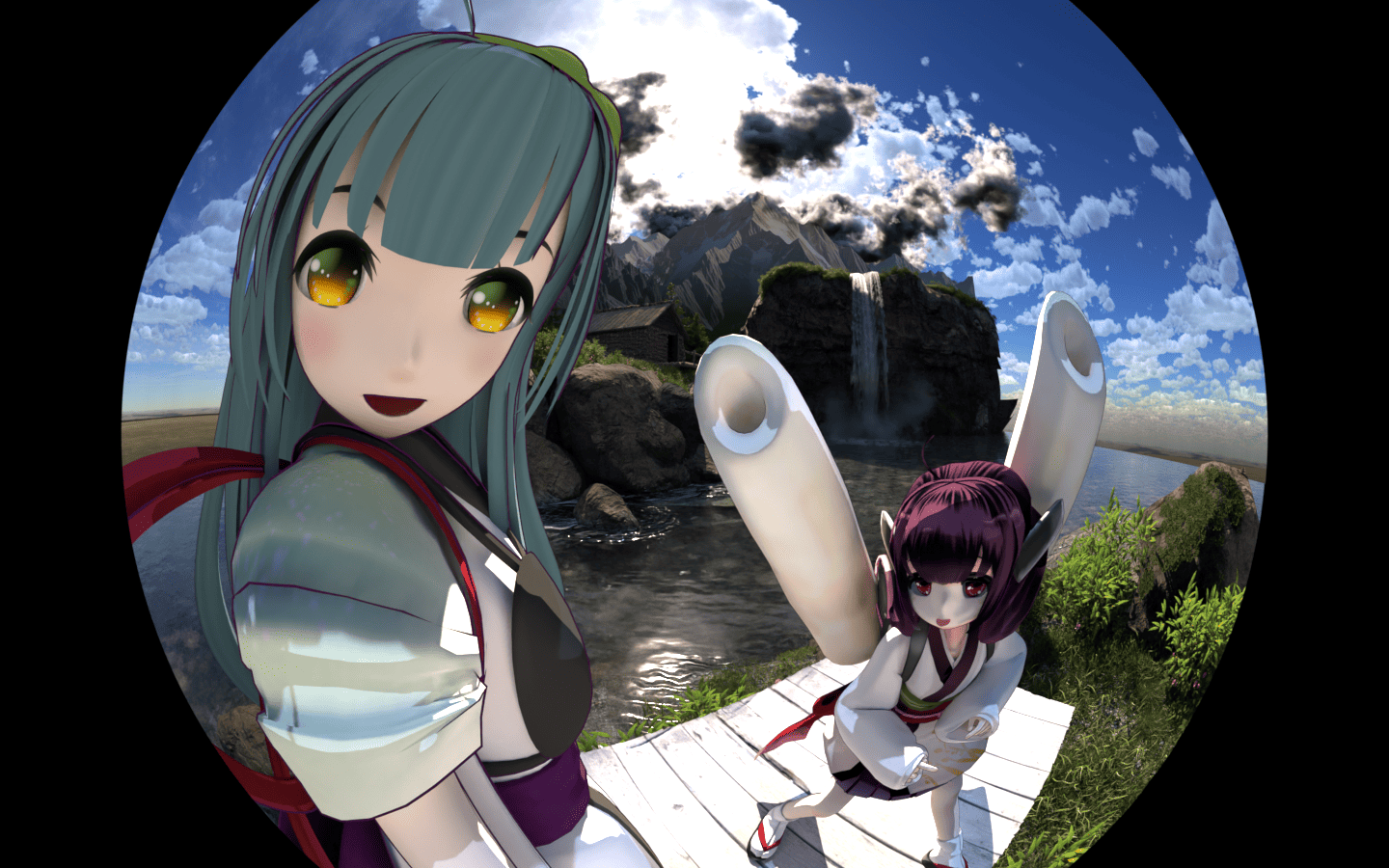
Toon character rendered with a fisheye lens effect in Cycles
Preview unavailable Fisheye Lens

Fisheye Lens

Use stylized wide-angle camera work while keeping toon characters integrated with the scene.

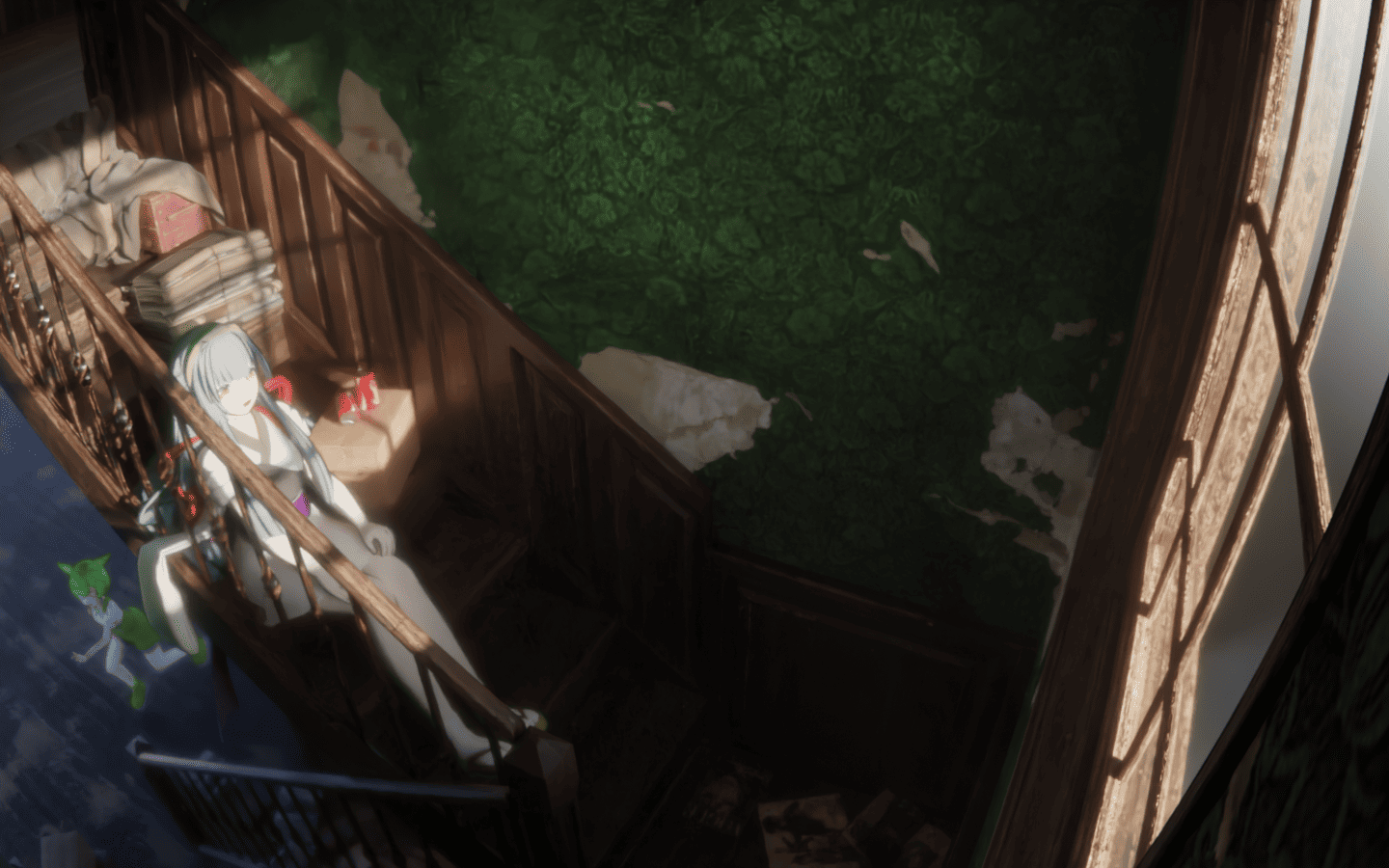
Toon character in volumetric light and fog rendered in Cycles
Preview unavailable Volumetric Light

Volumetric Light

Add fog, backlight, and visible light shafts around toon characters for a more cinematic render.

Blender 4.5 LTS+

Install from the Extension Repository.

  1. Open Blender and go to Edit > Preferences > Get Extensions.
  2. Choose Repositories > Add Remote Repository.
  3. Paste the CyclesTooner repository URL.
  4. Enable update checks and install CyclesTooner from the extension list.
Extension repository https://utagestudio.github.io/CyclesTooner/index.json Open index.json

Requirements

Built for Blender toon rendering workflows.

Blender
Blender 5.2 LTS recommended / 4.5 LTS+
Renderer
Cycles recommended, especially for outlines
License
GPL-3.0-or-later
Documentation
English README / 日本語README

Supported Tools

CyclesTooner can convert materials created or imported with the following third-party tools. These tools are independent projects and are not bundled with CyclesTooner.

Asset Credits

Showcase images use or reference the following third-party character, scene, and motion assets. Please refer to each source page for the latest license and usage terms.

Contact

Bug reports, requests, and questions can be sent through the contact form. If you have a GitHub account, Issues works as well.